
Download Centurion Setup – installation wizard, setup builder, software installer, developer tool, wizard builder, installer creator
Overview
Centurion Setup is a specialized developer tool designed to streamline the creation of installation wizards for software applications. Targeted primarily at software developers, this application enables the rapid construction of custom setup packages from scratch. Its primary purpose is to simplify the often complex and error-prone process of building installation files, offering a structured environment that guides users through each stage. By providing a user-friendly interface and comprehensive onboarding, Centurion Setup lowers the barrier to entry for developers with varying levels of experience in installer development.
The app solves common challenges associated with software deployment, such as inconsistent installation paths, missing files, and bloated package sizes. It is particularly valuable for independent developers and small teams who require reliable, compact, and customizable installers without the need for advanced scripting or third-party tools. Real-world use cases include the distribution of desktop applications, utilities, and development tools where a clean, professional installation experience is essential.
Developed by Centurion Software, the application reflects a focused approach to developer productivity. Although the developer did not provide additional technical details about its background or broader product line, the app’s design and functionality suggest a commitment to efficiency and usability. In the current software ecosystem, where end-user experience begins with installation, Centurion Setup fills a niche by offering a dedicated solution for creating lightweight, professional-grade installers.
Key Features & Functionality
- User-Friendly Interface: The app features a clean, intuitive layout with clearly labeled menus and logical navigation. This allows developers to quickly locate tools and settings without requiring extensive training or documentation.
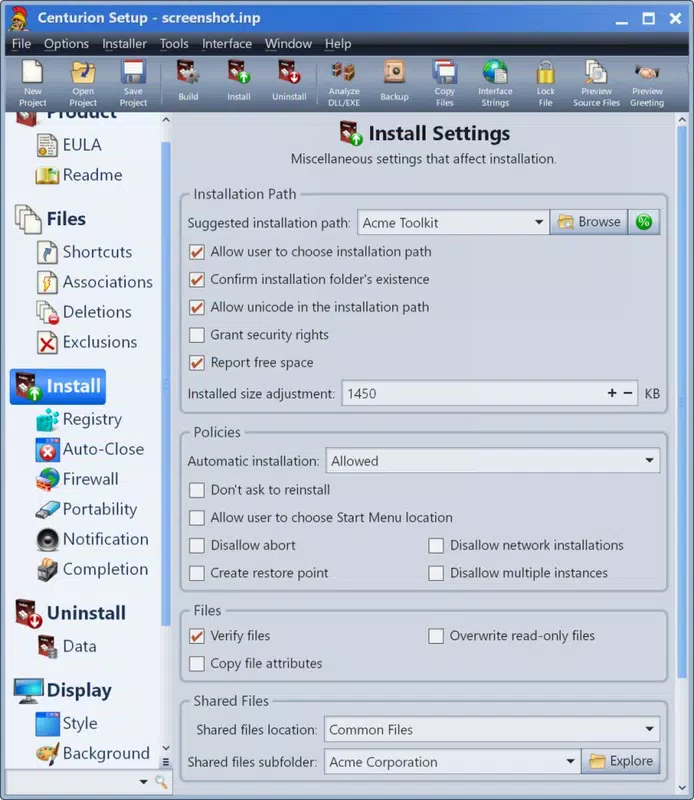
- Customizable Installation Elements: Users can tailor the installer to specific needs, including configuring default installation directories, adding Read Me files, and selecting language preferences for localized setups.
- In-Depth Guidance: Contextual tips and brief explanations accompany each tool and step, helping users understand the purpose and impact of their choices during the setup creation process.
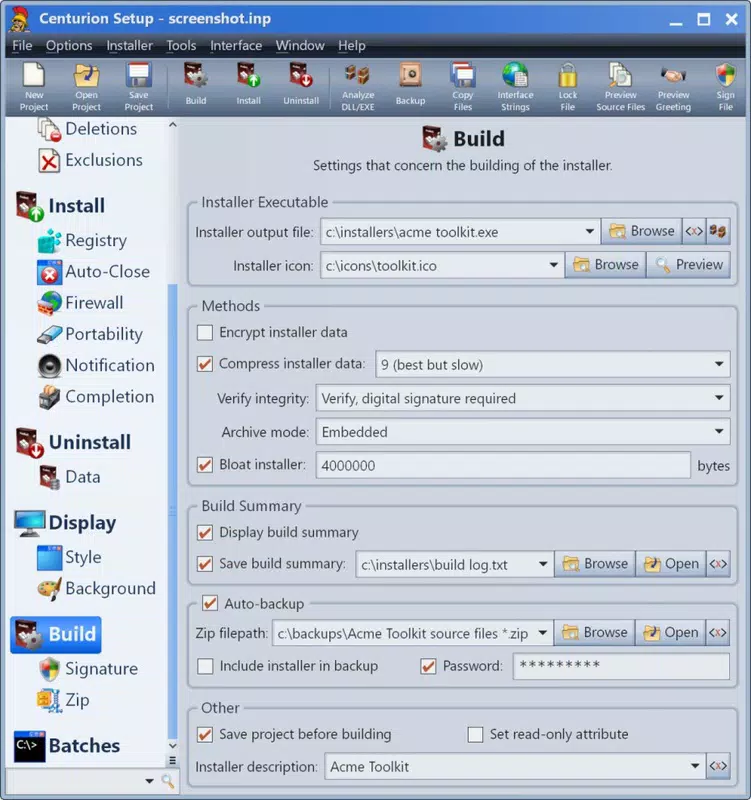
- Efficient Compilation: Centurion Setup compiles all necessary installation components into a single executable file, reducing complexity during distribution and deployment.
- Space-Saving Output: The final installer package is optimized for minimal disk usage, ensuring that end users receive a lightweight and fast-to-download installation file.
For example, a developer releasing a new utility tool can use Centurion Setup to define the installation path, include a welcome guide, and generate a compact executable that installs the application with minimal user interaction. This efficiency is especially beneficial for projects with tight release schedules or limited bandwidth for distribution.
Interface, UX & Performance
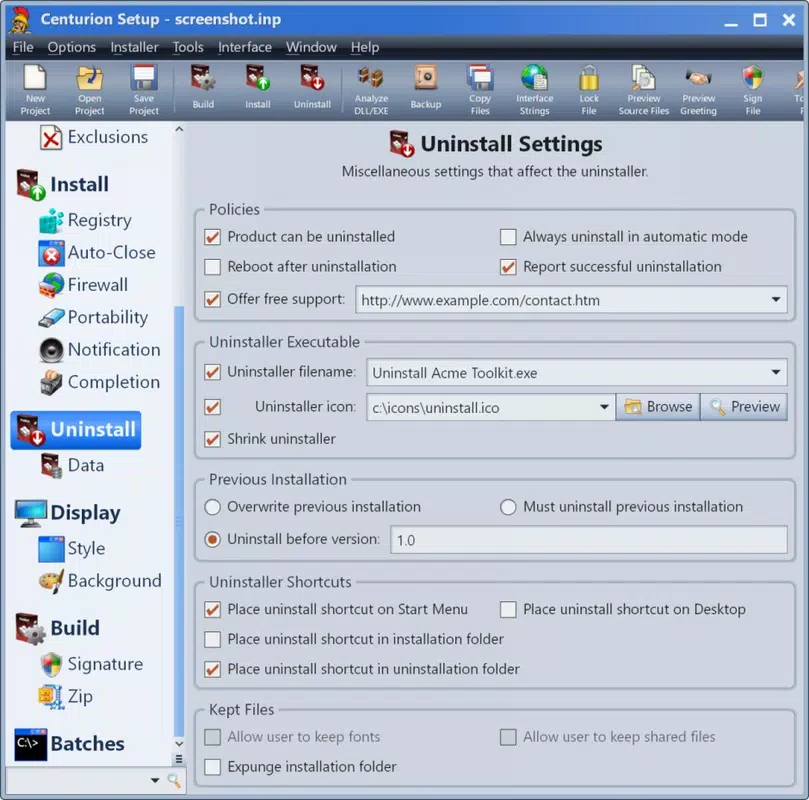
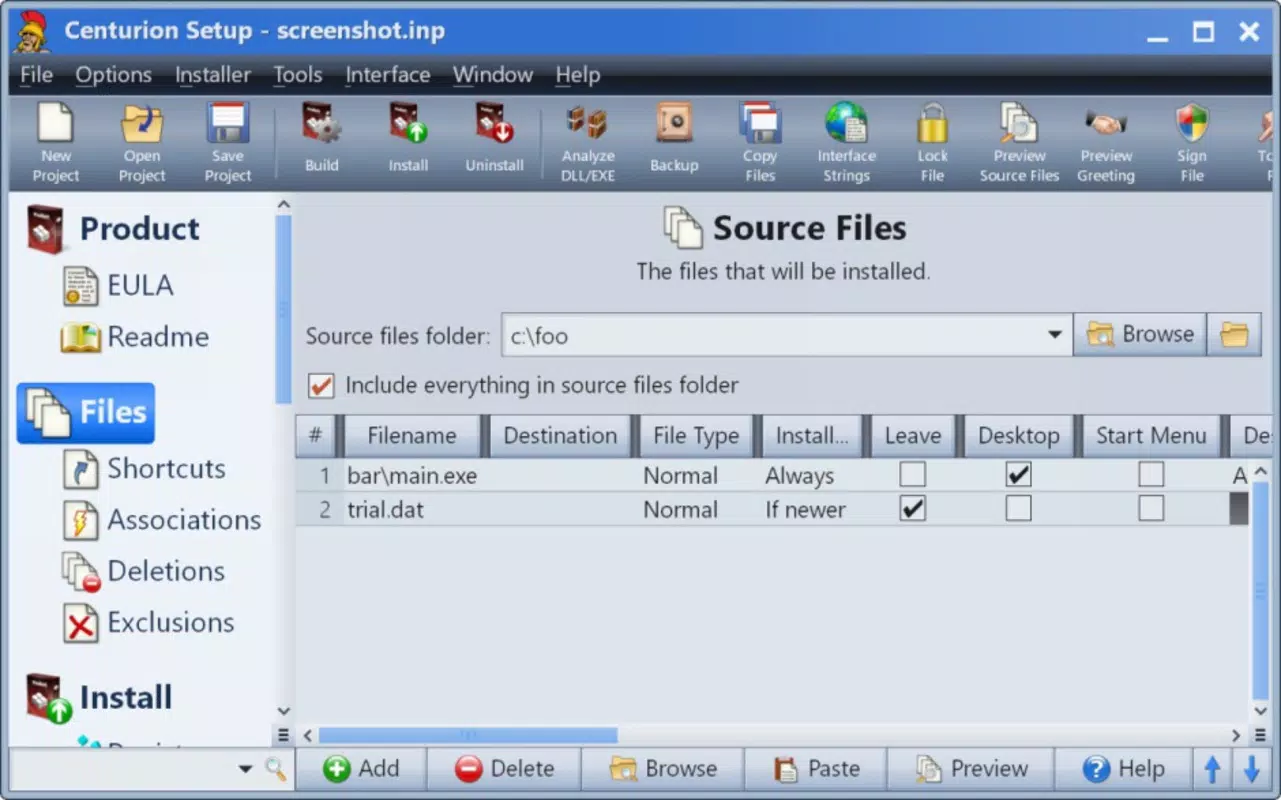
Centurion Setup presents a modern, streamlined interface designed with developer workflows in mind. The layout emphasizes clarity and functionality, with a consistent visual hierarchy that organizes tools and settings into logical sections. Navigation is straightforward, allowing users to progress through the setup creation process in a linear, intuitive manner.
The user experience is enhanced by contextual tooltips and brief instructions that appear alongside each feature. These provide immediate support without requiring users to leave the application or consult external documentation. While the developer did not list formal performance metrics, the app’s lightweight size of 10.2 MB suggests optimized resource usage. It is expected to operate smoothly on standard Windows development machines, though specific performance benchmarks were not disclosed.
Responsiveness appears to be consistent across different device categories, though detailed testing across low-end and high-end systems was not provided. Stability during the creation and compilation phases is assumed to be reliable based on the app’s focus on error prevention and guided workflows. No reports of crashes or freezes were mentioned in the available data.
Platform Compatibility & Technical Requirements
Centurion Setup is designed exclusively for the Windows platform. It is compatible with the Windows operating system, though specific version requirements were not listed. The application has a file size of 10.2 MB, indicating a lightweight footprint that should not strain system resources during installation or runtime.
The software version is 1.0.0, released on January 25, 2024. As a first major release, it likely represents a stable and feature-complete foundation for installer development. The developer did not specify minimum OS requirements, so users should ensure compatibility with their current Windows environment before installation. No additional dependencies or runtime libraries were mentioned.
Pros and Cons
Pros
- Intuitive interface tailored for developers of all experience levels
- Supports customization of installation paths, language, and documentation
- Provides contextual guidance to reduce setup errors
- Compiles all components into a single executable for easy distribution
- Generates lightweight installation packages that save disk space
Cons
- Platform limited to Windows; no support for macOS or Linux
- Price point of $49.99 may be high for individual hobbyists or small-scale projects
- Specific system requirements were not disclosed
- Not available on mobile platforms
- Limited information on update frequency or future development roadmap
FAQ
Is Centurion Setup available for macOS or Linux?
Centurion Setup is currently designed exclusively for the Windows platform. There is no official support for macOS or Linux at this time.
Can I use Centurion Setup to create installers for commercial software?
Yes, the application is suitable for creating installers for both personal and commercial software projects.
Is the installer file generated by Centurion Setup secure?
The tool compiles installation files into a single executable, which is a standard and secure practice. However, users are responsible for ensuring the content of their installers is safe and free from malicious code.
Does Centurion Setup require an internet connection to function?
There is no indication that an internet connection is required after installation. The tool operates offline once set up.
How often are updates released for Centurion Setup?
The developer did not provide information on update frequency. Users should monitor the official website for new releases.
Final Thoughts + CTA
Centurion Setup stands out as a focused and efficient solution for developers seeking to create professional, compact installation wizards. Its intuitive interface, guided workflow, and emphasis on lightweight output make it a valuable addition to any software development toolkit. While its Windows-only availability and price point may limit accessibility for some users, the app delivers clear value for teams and individuals prioritizing clean, reliable installations.
For developers who want to enhance their software distribution process without relying on complex scripting or third-party tools, Centurion Setup offers a practical and streamlined alternative. The ability to customize installation behavior while ensuring minimal disk usage is a significant advantage in today’s performance-conscious environment.
Download Centurion Setup now


